3dEYE Platform Updates & New Features: August 2026
The latest 3dEYE Platform Updates for August 2026 introduce cloud-enabled body-worn camera integration with IONODES, expanded Plug and Play support for Intelbras, Sunell, and Uniview cameras, a redesigned API Key Management interface, new platform demonstrations and educational resources, an enhanced Knowledge Base, and upcoming opportunities to connect with the 3dEYE team at GSX 2026 and TMA OPSTech.
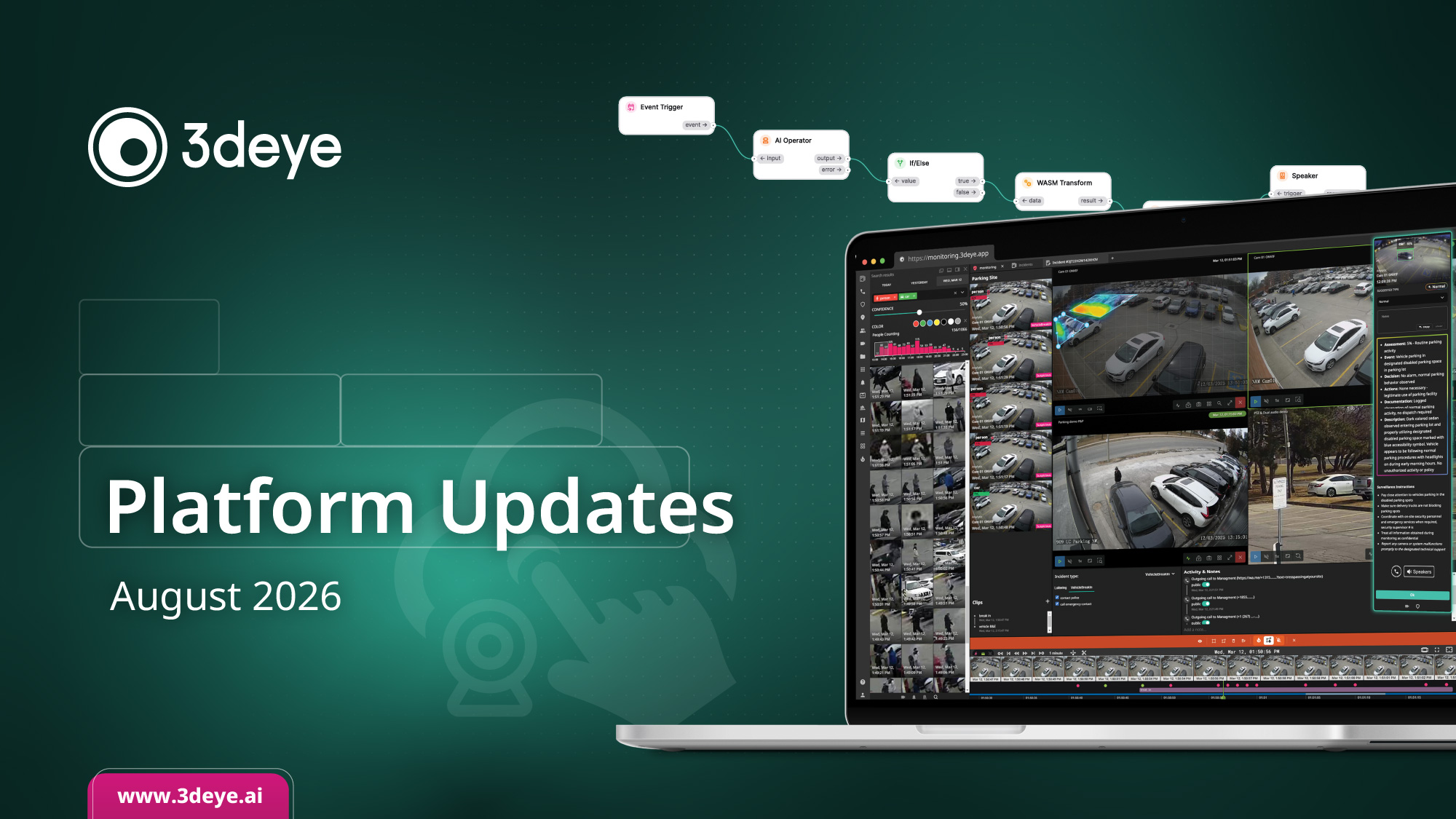
Body-Worn Cameras, Now in the Cloud with IONODES x 3dEYE Plug and Play Integration

We’ve partnered with IONODES to bring cloud-enabled body-worn cameras to teams focused on operational efficiency, security, and life safety. Footage from IONODES body cameras now streams into the same platform as your fixed and mobile cameras, with no separate system and no manual download.
For patrol and response teams, that means worn and mounted video live side by side, with the same review, search, and reporting tools your operators already use.
Intelbras Cameras Now Supported

The new Intelbras VIP 5440 FC+ IA now connects to 3dEYE through our push module. It streams straight to the cloud with no port forwarding, no VPN, and no device in between, encrypted the whole way.
It’s a Full Color camera with its own onboard AI for detection and event classification. Pair that with 3dEYE’s cloud AI and you get edge and cloud analytics working together, with the freedom to use whichever fits each site.
For integrators, distributors, and monitoring centers, that’s a modern Cloud Video AI Platform deployment in minutes, cloud VMS and cloud AI included, on hardware you already trust.
More Cameras, Now Plug and Play
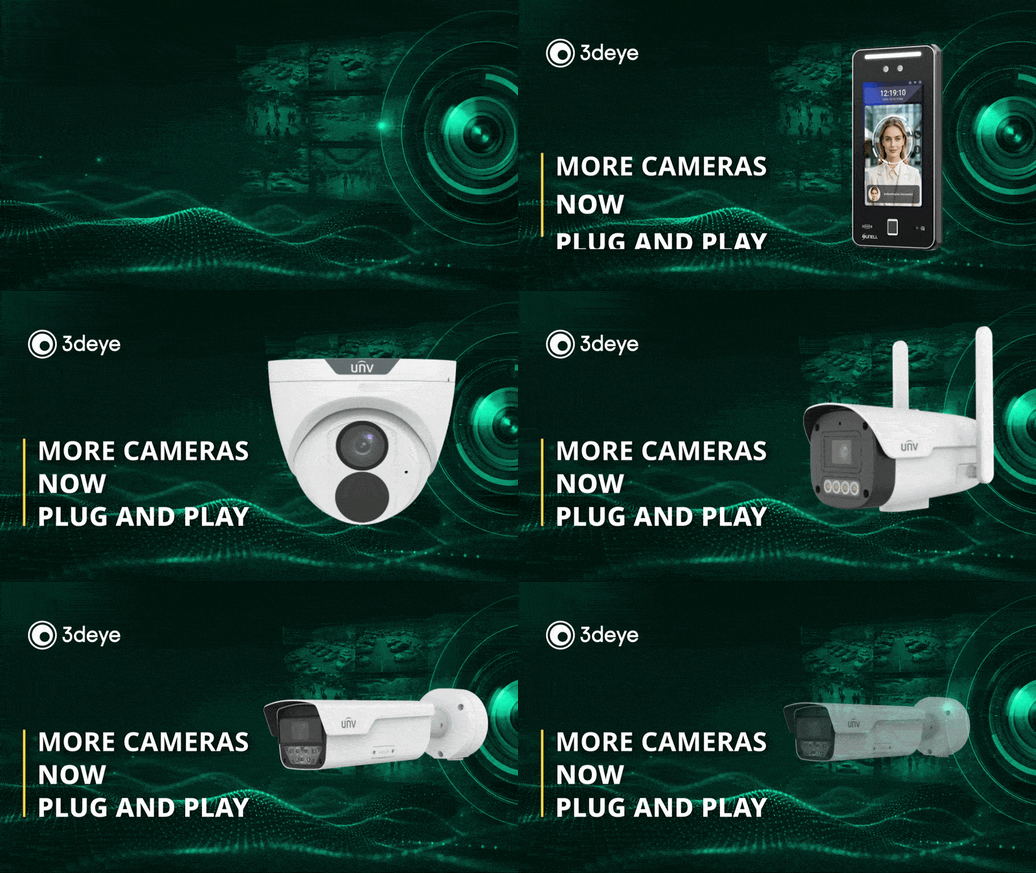
We’ve added Plug and Play support for more cameras this month. New push module integrations now cover Sunell and several Uniview models:
- Sunell (SN-M3207U-B4-A-23)
- Uniview (IPC3618SR-ADF28KM-H, PKC2641, IPC2A14LP-ADF40KC-4G-US)
Connect a supported camera and it streams straight to the cloud, simple and cybersecure, no gateway and no manual setup. If the one you run isn’t listed yet, reach out and we’ll check where it stands.
Manage API Keys Easier

The API Key Management page has a new design that puts everything about your keys in one clear view. At a glance you can see:
- Each key’s current status
- How much it’s being used
- How much quota is left
No more digging through menus to work out what’s active or where you’re running low. For anyone managing integrations, it makes keeping your API access in order quicker and a lot less fiddly.
See the Pure Cloud AI Platform in Action

Sometimes the fastest way to get it is to watch someone use it. In about twelve minutes, our own Joshua Roebuck walks through the whole platform, from registering a camera in the admin portal to handling a live event in the monitoring workflow and generating a shareable incident report.
If you’re an integrator or monitoring center sizing up 3dEYE, or you just want to see the event-driven workflow in action instead of a wall of video, this is the clearest look we’ve got.
See Us at GSX 2026! Booth: #1119

We’ll be at GSX 2026, September 14 to 16 at the Georgia World Congress Center in Atlanta. Come by booth #1119 to see the AI Vision Agent and AI Operator in action, the new integrations, and everything else we’ve been shipping, live and hands-on.
Want to join us?
Use code EV618 at checkout for $100 off a general-admission pass. Since general admission is $100, that covers the whole thing, so your pass is on us!
Have You Bookmarked the New Knowledge Base?

In case you missed it, our knowledge base moved to helpdesk.3deye.ai, with 400+ guides, walkthroughs, and answers in one place. Worth a bookmark if you haven’t yet.
See You at TMA OPSTech Next Week

TMA OPSTech is nearly here. We’re sponsoring and speaking at the show August 31 to September 2 in Lewisville, Texas, where our own Aleksei Bulavko joins the panel on operationalizing video monitoring. If you’ll be there, come find us.
Please Check Out the Latest 3dEYE Knowledge Base Updates:
- Tutorial: Setting up 3dEYE gateway using your own Raspberry Pi board
- Tutorial: NextGen Monitoring Portal
- Integrations: Get started with API methods, how to retrieve Events data
- Integration: Workflow description to create a push module for a device for cybersecure and simple camera-to-cloud connection
Have questions? Either respond to this email or contact us at info@3deye.ai