3dEYE Platform Updates & New Features: October 2026
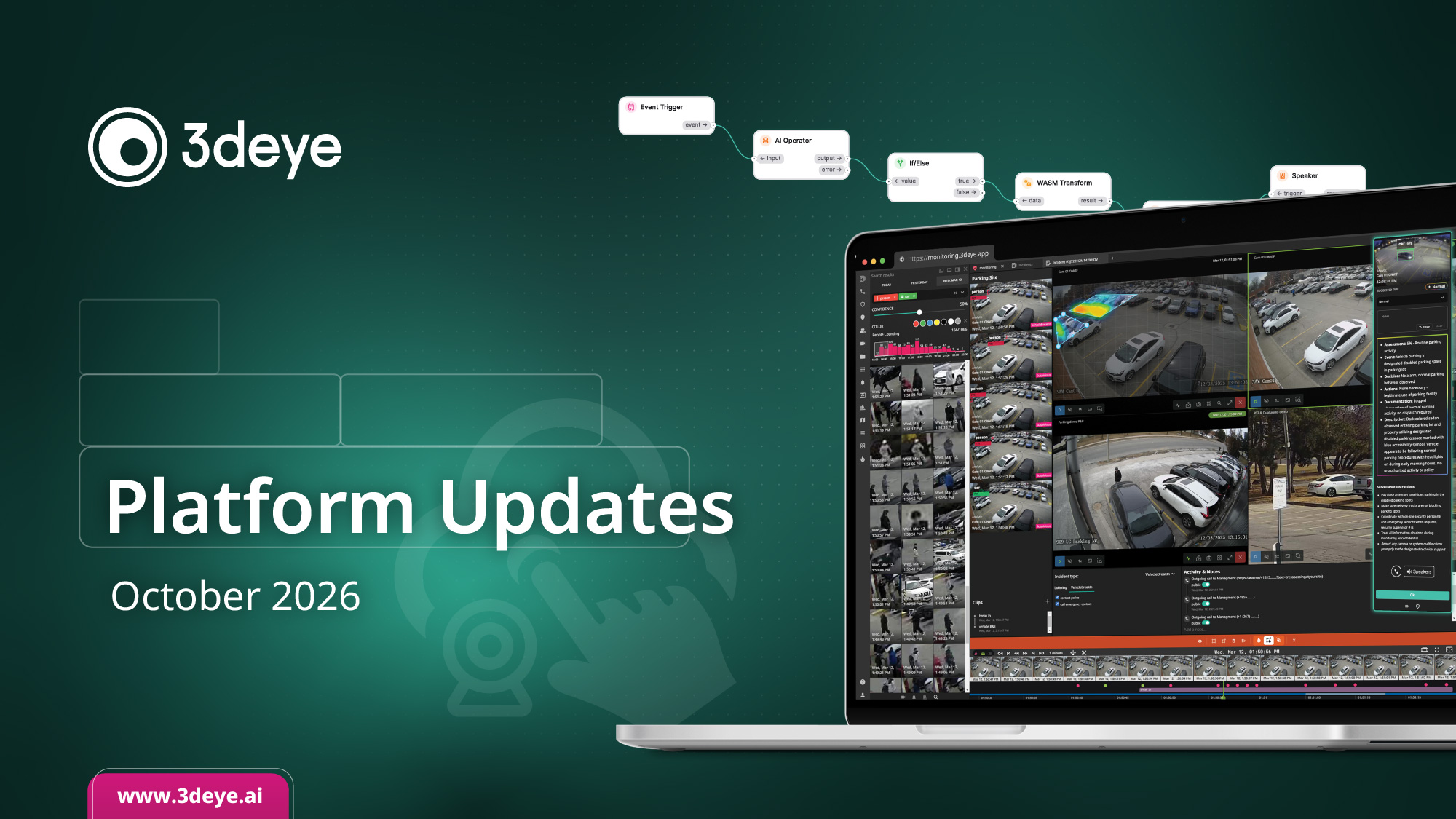
The latest 3dEYE Platform Updates for October 2026 introduce AI Search for finding any moment by describing it, a new ALPR rule engine with plate search, watchlists and automated alerts, faster and more reliable SSO setup, PTZ control in the mobile app, expanded i-PRO, Intelbras, Hanwha, WEG and Uniview support, Gateway V2 pricing ahead of the October 31 deadline, new videos on mobile surveillance and analytics alerts, fresh Knowledge Base guides, and a chance to meet the 3dEYE team at CANASA 2026 in Toronto.
New ALPR Rule Engine: Search Plates, Build Watchlists & Automate Alerts

The admin portal now has a dedicated ALPR tab that brings everything for your license-plate cameras into one place. Review plate-read events as they come in, and search any plate number directly in the Events section, no scrubbing footage to find a vehicle.
In the Filters tab, build the watchlists that matter to you: dynamic filters that catch patterns, or static filters for specific plate numbers. Turn any filter into a rule that runs on a schedule or around the clock, and get an email or webhook the moment a matching plate is seen.
Every hit lands in the Matches tab, so whether you’re watching for a known vehicle, a barred visitor, or a plate of interest, the record is there when you need it.
AI Search is Here: Find Any Moment by Describing It

Type what you’re looking for, like “person in a hoodie” or “forklift near pedestrians”, or pick a visual example, and 3dEYE AI Search finds the matching moments in your recorded video. It works across people, vehicles, objects, behaviors and scene changes, so you stop scrubbing footage and go straight to the clip that matters.
Then let it watch for you. Turn any search into a standing alert. Describe what matters once, in words or with an image, and you’re notified the moment a match appears. Every search can become a watchlist that keeps working whether or not anyone is looking.
The result: faster answers when something happens, and hours of review time back.
Faster, More Reliable SSO Setup

Single sign-on is easier and more reliable to set up this release. A new server-side validator checks your SAML configuration up front, the sign-in and sign-out URLs, the X.509 certificate, and PEM formatting, so a misconfiguration is caught before it causes a failed login instead of after. And because the update keeps compatibility with existing SSO setups, upgrading doesn’t mean reconfiguring what already works for your team.
Importing certificates is simpler too. Drag and drop your .cer file or browse to it, and the platform validates the file type and size on the spot, with clear error messages that tell you exactly what to fix.
The result is a smoother connection for the enterprise teams that rely on SSO, and far fewer back-and-forth troubleshooting rounds to get there.
i-PRO, Intelbras, Hanwha, WEG & UNV: More Ways to Connect
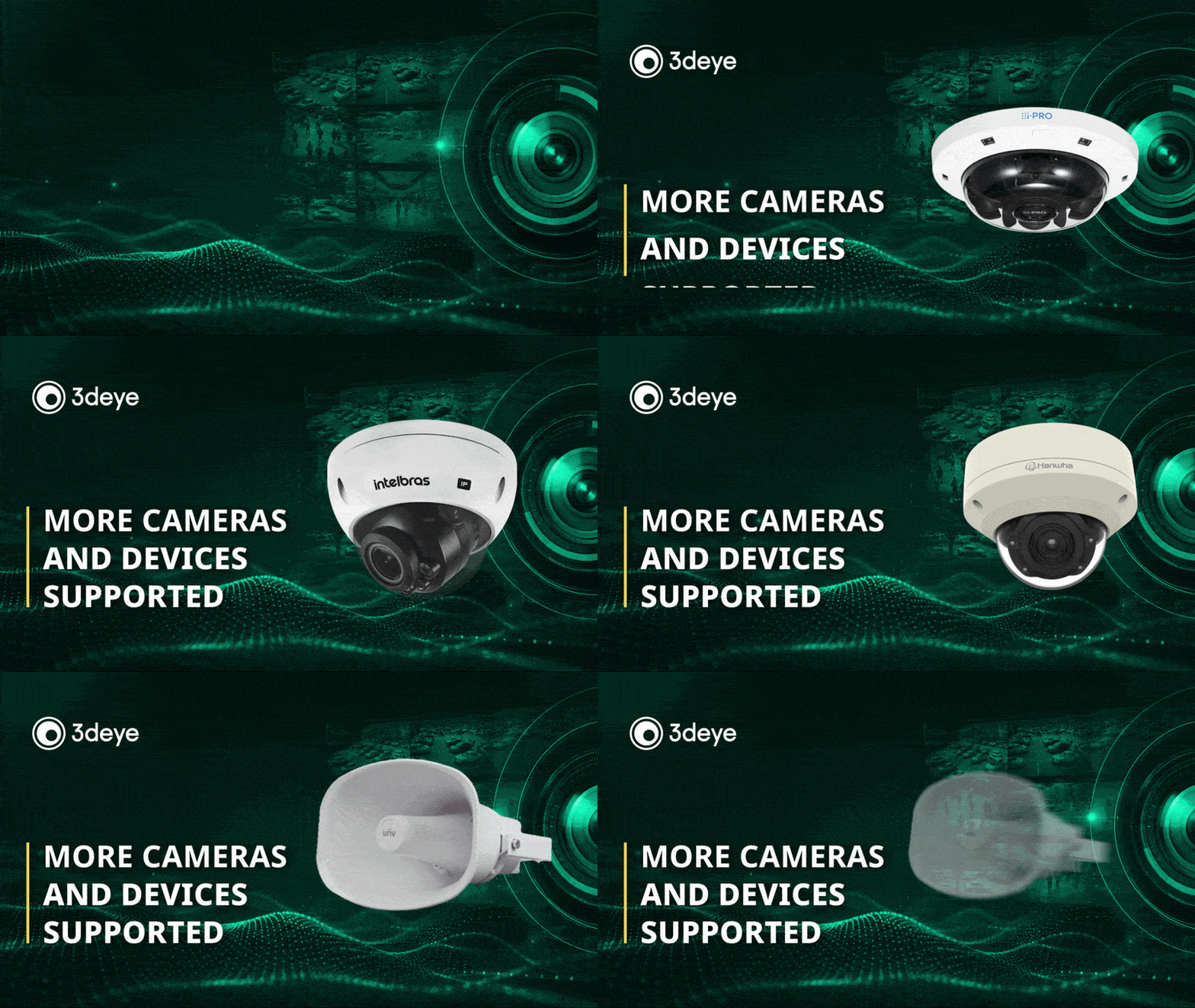
We expanded hardware support across the board this month. On i-PRO, 3dEYE now covers every camera that supports the i-PRO SDK, with the CV72 platform, CV2 multi-sensor, and S6LM among the latest additions. We also added more Intelbras VIP models, so more of the cameras your teams already deploy connect straight to the cloud.
Hanwha’s new-generation push module adds a useful bit of flexibility: support for cameras running on a custom HTTP port, which makes it easier to bring cameras online on networks that don’t use the defaults.
And it’s not only cameras. The Uniview IPS302030 IP speaker is now supported for talk-down straight from the platform. Setup guides for all of these are in the knowledge base.
Launch a Cloud Video Service Under Your Brand
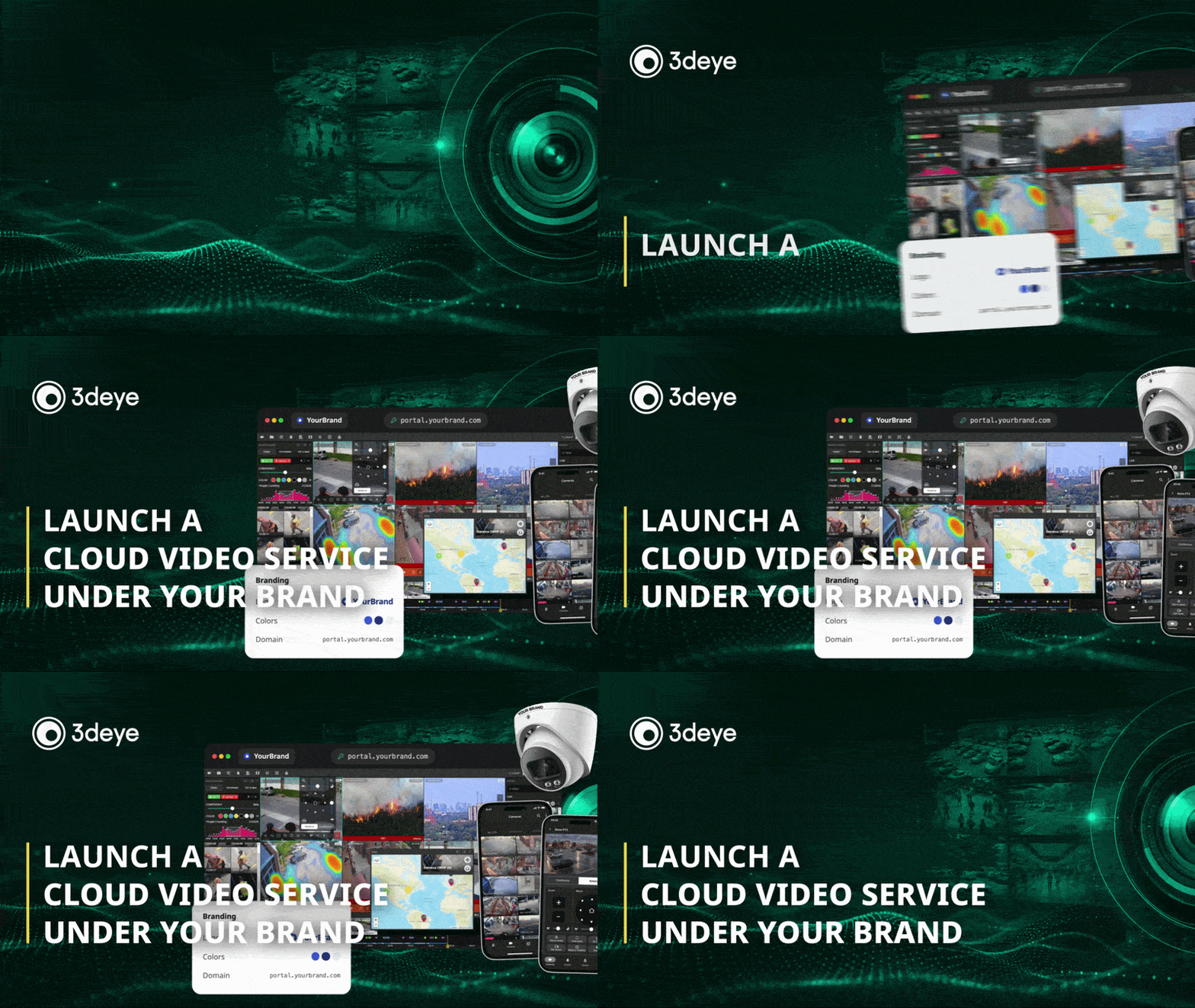
Launch a $100K+ recurring revenue service under your brand in 30 days with the 3dEYE white label video surveillance platform. No cloud infrastructure. No dev team. With 3dEYE white-label your customers sign in at your domain, use mobile apps with your logo, and are billed by you, while 3dEYE runs the cloud, AI analytics, and monitoring platform services behind the scenes. Go to market in 30 days, not 3 years.
Only 2 launch slots left this October. If you want your brand on a full cloud video platform, this is the moment to move.
PTZ Control, Now in the Mobile App

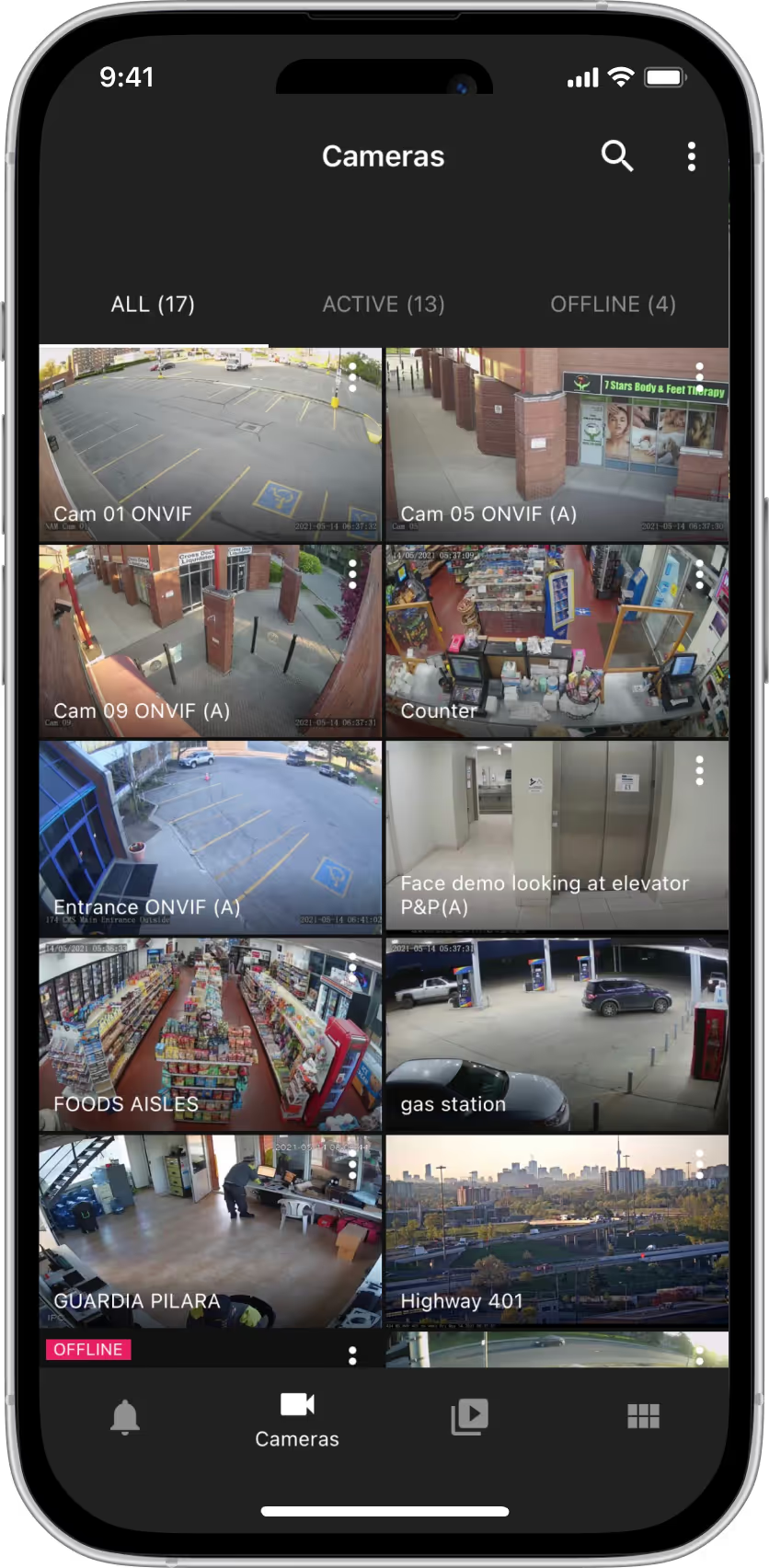
Take control of your PTZ cameras right from the 3dEYE mobile app. Pan, tilt, and zoom a live camera on your phone, on both iOS and Android, so you can follow the action without being tied to a workstation.
It’s built for quick, precise control. Tap to center on what matters, drag to move the view, draw a box to zoom to an area, and jump straight to your saved presets, all from the live view.
Whether you’re checking a site after hours or tracking something as it unfolds, you can steer the camera and see exactly what you need, wherever you are.
Power Your Next Install. Lock In Today’s Gateway V2 Price

Future-proof your installations and protect your margins! The 3dEYE V2 Gateway gives systems integrators a versatile foundation for mobile surveillance, remote sites and multi-location deployments.
An octa-core processor and 6 TOPS AI accelerator provide processing headroom, while 1–4TB SSD options support local storage. Dual Gigabit Ethernet, built-in 4G LTE with GPS, Wi-Fi and native RS232/RS485 and GPIO interfaces bring cameras, connectivity and peripheral integration together in one compact unit.
Secure your stock by October 31 at current pricing, ahead of the upcoming price increase driven by hardware availability, logistics and CPU costs, and keep your next installations on budget.
Meet the 3dEYE Team at CANASA 2026 in Toronto
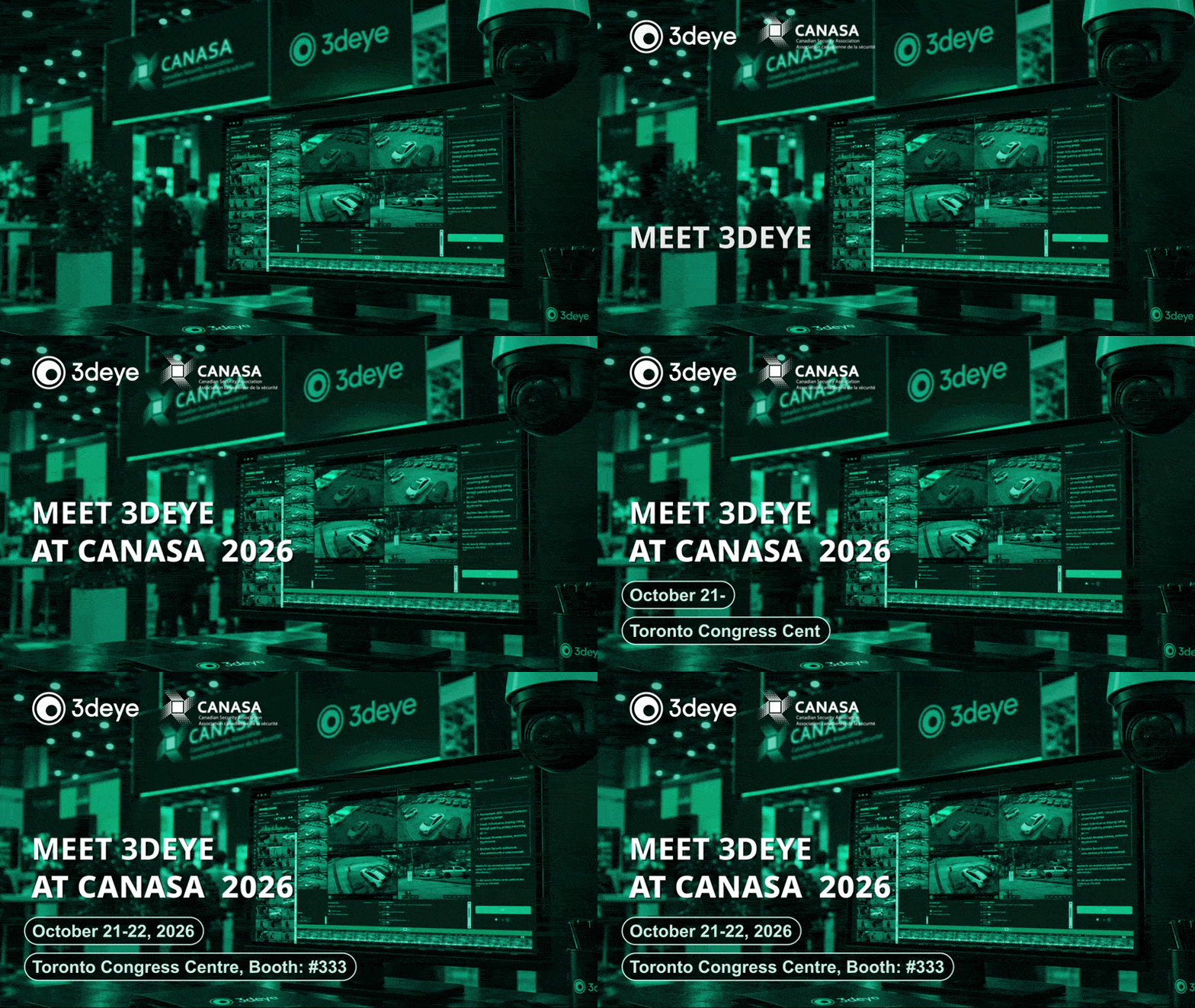
Come see 3dEYE at Security Canada’s CANASA, October 21 and 22 at the Toronto Congress Centre, Booth 333. Here’s what we’re demoing:
- Textual and Similarity AI Video Search: find any moment in plain language, and set up automated alerts.
- Self-Service Long-Term Cloud Timelapse: turn months of video into a visual record of change.
- AI-Powered Professional Monitoring: AI analytics, operator assistance, and automated workflows that help teams scale.
All on 3dEYE’s pure-cloud, camera-agnostic platform, no servers or NVRs, plus our camera-to-cloud integration with Milesight.
The Software Behind Mobile Surveillance at Scale
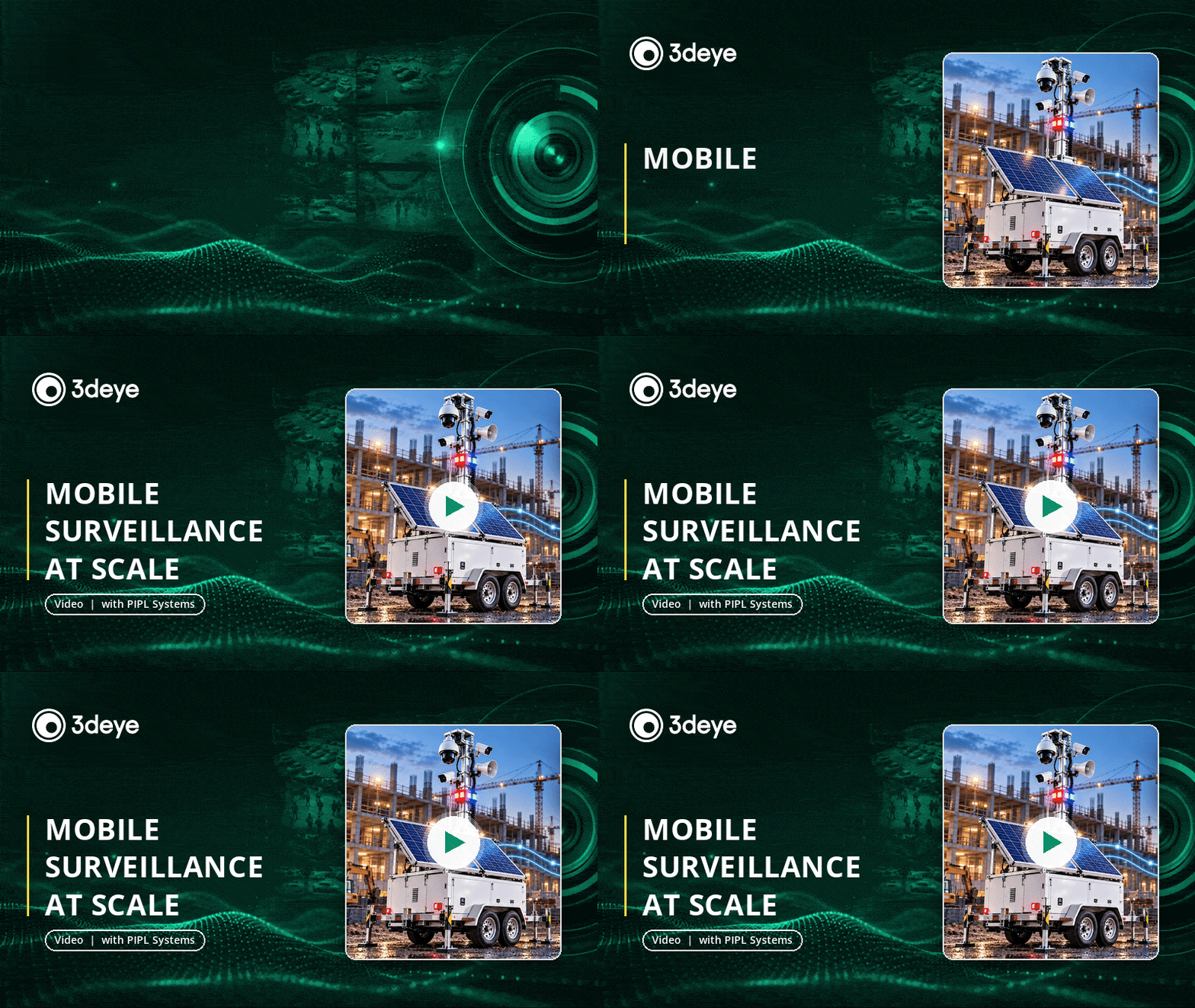
Building a mobile surveillance trailer is a hardware job: cameras, a mast, power, connectivity. Turning a whole fleet of them into a scalable security service is a software job. PIPL Systems breaks down that software layer, and features 3dEYE as a preferred software solution for mobile surveillance trailers (MSTs) and distributed security operations.
See how one cloud platform connects thousands of cameras across constantly moving trailers and mixed camera brands, uses AI to turn a flood of video into the few events that actually need a person, and gives monitoring operators one interface to verify and respond: detection, AI verification, operator, response, report.
How to Set Up Analytics Alerts

Analytics are only useful if they reach you. In this quick walkthrough, our own Joshua Roebuck shows how to set up analytics alerts in 3dEYE.
In this video, we cover:
- Selecting a camera and opening its analytic rules
- Creating separate person and vehicle detection masks
- Drawing detection areas and excluding zones like the street
- Setting the confidence level and saving your rules
- Testing on live video that detections are triggering correctly
- Creating a sensor event and scheduling when it’s active
- Bundling notifications (from every 5 minutes up to several hours)
- Choosing email or mobile push notifications and selecting contacts
Please Check Out the Latest 3dEYE Knowledge Base Updates:
- Find Video by Describing It: A Guide to Descriptive Video Search
- Find a Person, Vehicle or Object Across Your Cameras with Visual Similarity Search
- Watch Video Your Way with the Floating Video Player
- How to Add GAGO IP Speaker
- How to Add WEG Camera Using P&P Method
- WEG Camera Push Module
- Getting Reliable Alerts: A Beginner’s Guide to Camera Motion Detection and Confidence Scores
- Streamline Service Operations with 3dEYE LPR Integration
- White-Label and OEM Camera Compatibility Considerations
Have questions? Either respond to this email or contact us at info@3deye.ai