3dEYE Platform Updates & New Features: July 2026
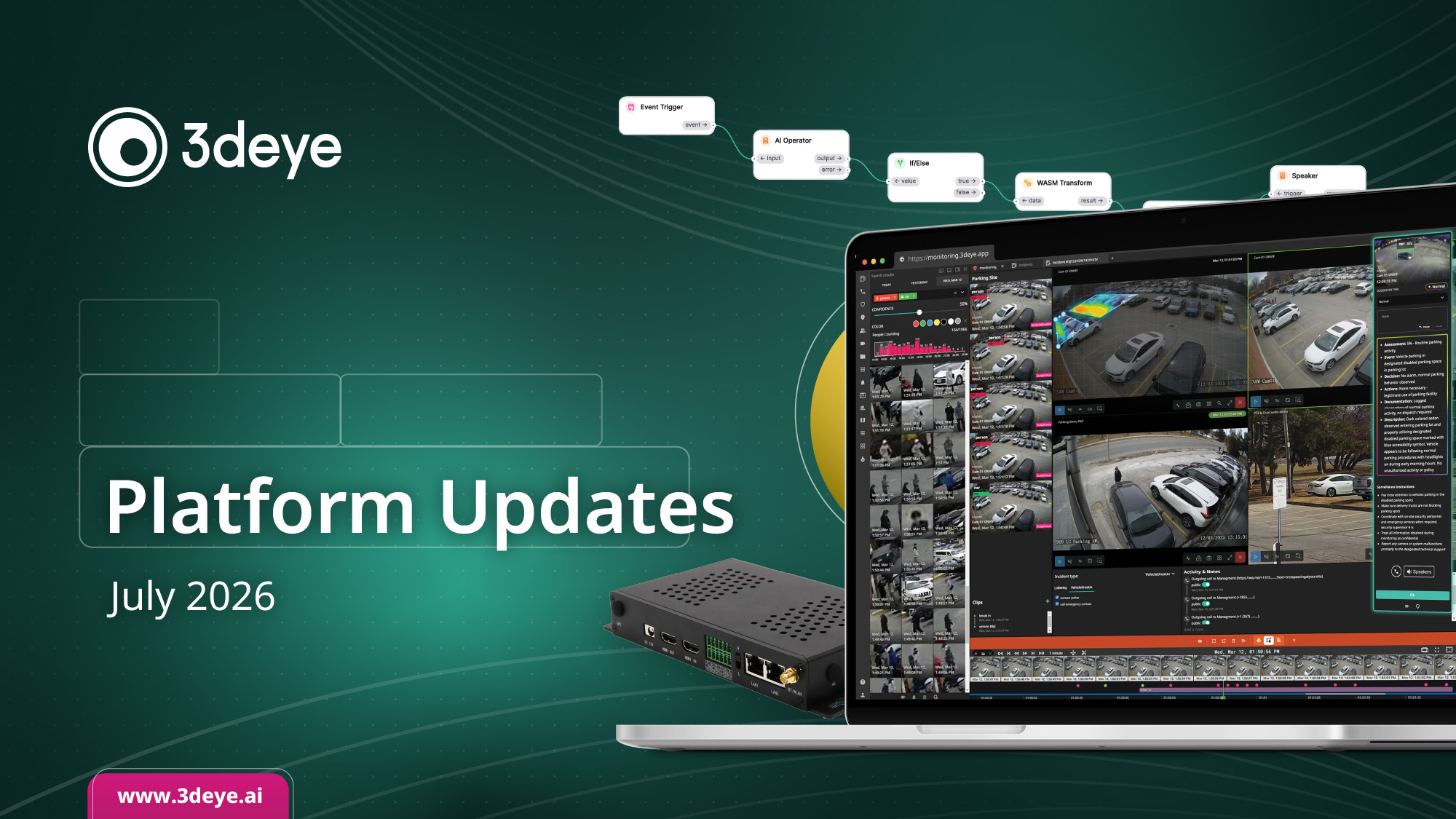
The latest 3dEYE Platform Updates for July 2026 introduce plug-and-play cloud connectivity for i-PRO and Sunell cameras, native Evalink alarm integration, enhanced Gateway V2 management and smart camera capabilities, temperature event monitoring, a redesigned Knowledge Base, and new platform integrations, tools, and resources that simplify deployments and improve monitoring operations.
i-PRO Cameras: Just Plug Them In

3dEYE now supports i-PRO cameras with true plug-and-play, direct-to-cloud connectivity. No port forwarding, no VPNs, no complex network configuration, and no extra box to buy and install.
Connect the camera via PoE and it automatically appears in your 3dEYE account. Behind the scenes, the camera establishes a secure HTTPS connection directly to AWS, keeping your video encrypted end to end without exposing your network.
The result is less infrastructure, faster deployments, and AI-ready cameras from day one. Already using i-PRO? Reach out and we’ll get your existing cameras connected and streaming to the cloud.
Handle 3dEYE Alarms Without Leaving Evalink
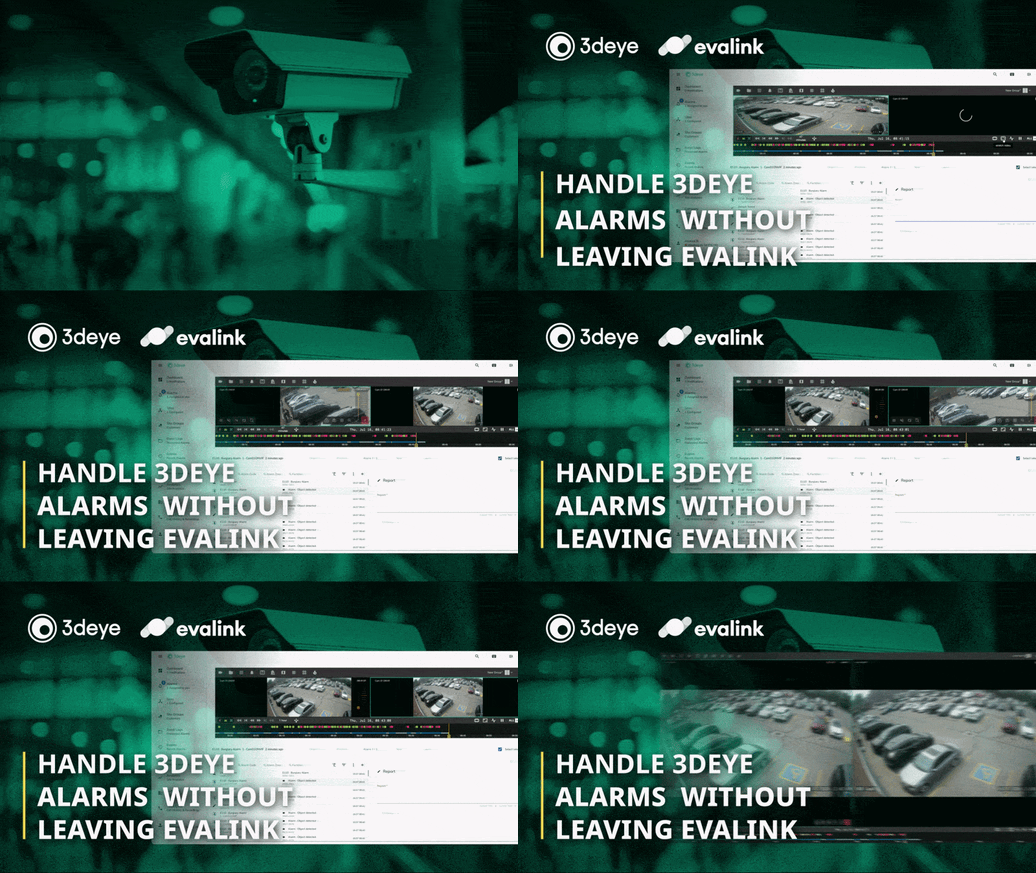
3dEYE now integrates with Evalink. If your monitoring center runs on Evalink, 3dEYE alarms flow straight into your alarm queue, complete with the video behind them.
When an alarm comes in, operators see live and recorded video right inside the alarm workflow. They can scrub the timeline, jump back to the moment it happened, compare live against playback, and even run smart search, all without opening another tool.
Video verification, report, and resolution happen in the workflow your operators already follow. Less switching between systems, faster alarm handling.
Sunell Cameras: Connect and Go

Sunell’s new SN-IPV7281MFBC-B camera line is now integrated with 3dEYE as Plug and Play. Connect the camera and it starts streaming to the cloud, no gateway or manual configuration needed.
This integration came out of a direct collaboration with Sunell, driven by customer deployments, and it’s already in use in the field. It works well for teams that want to standardize on Sunell hardware while keeping video, analytics, and user management in one cloud platform.
Already running Sunell or its OEM partner cameras on your installation? Reach out and we can help you plan the rollout.
Temperature Events, Right in Your Events Feed
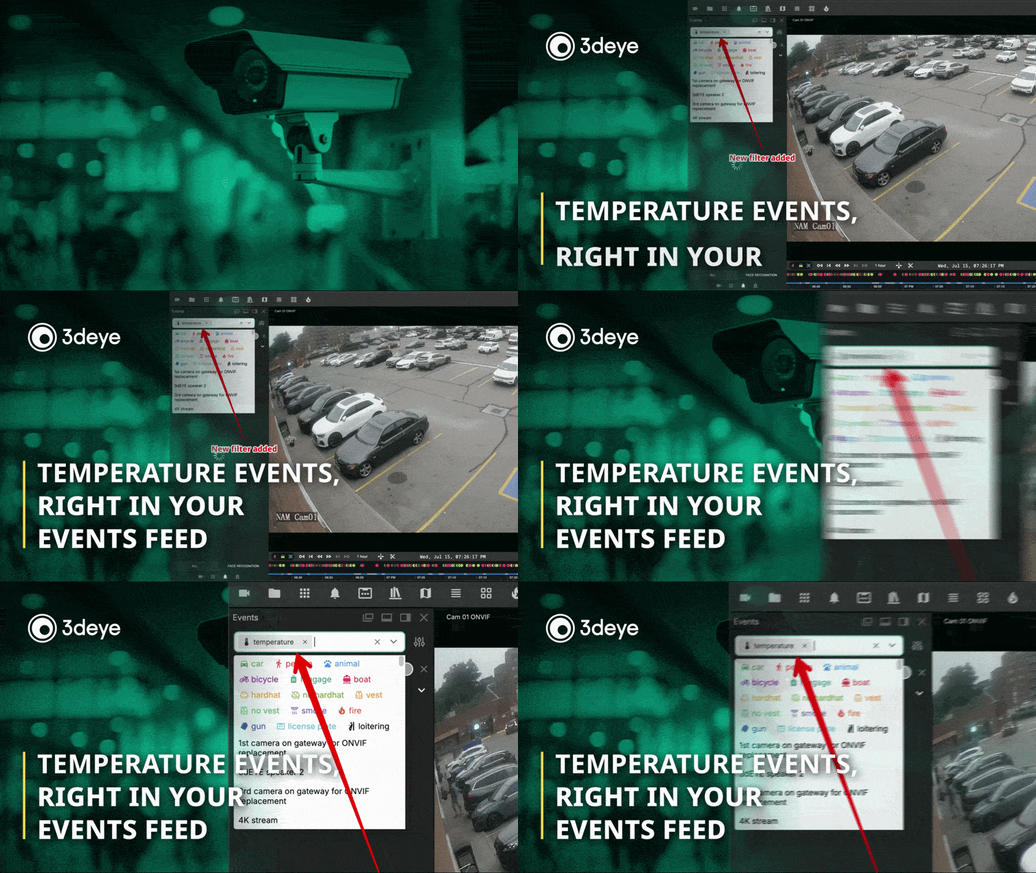
Your events feed now includes temperature events. They show up alongside people, vehicles, and every other detection type, and there’s a new temperature filter so you can pull them up with one click.
Because temperature events behave like any other event, everything you already do with the feed applies: jump straight to the video, filter one camera or your whole account, and combine filters when you’re narrowing things down.
No separate dashboard and no new workflow. If your team already reviews events in the portal, temperature monitoring works the same way.
Manage Your Gateway Right From Your Browser
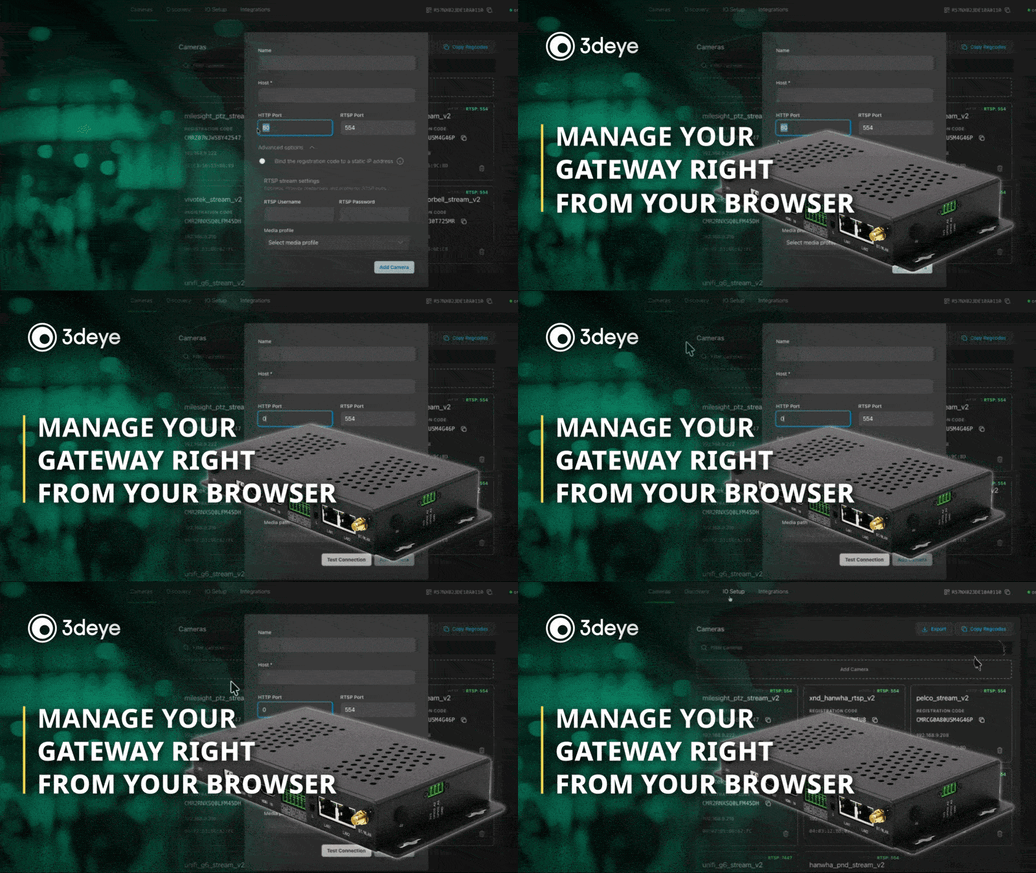
The 3dEYE Gateway has a new web UI that gives you full control over its advanced functionality, no SSH or site visit needed.
You can configure digital input and output pins directly from the UI, and control Modbus TCP relay devices with three modes: activate, deactivate, and timed pulse. An open API exposes the same controls for third-party integrations.
You can also reboot cameras or the gateway itself remotely. Everything here works on both 3dEYE Gateway V1 and V2.
Turn Any Camera Into a Smart Camera
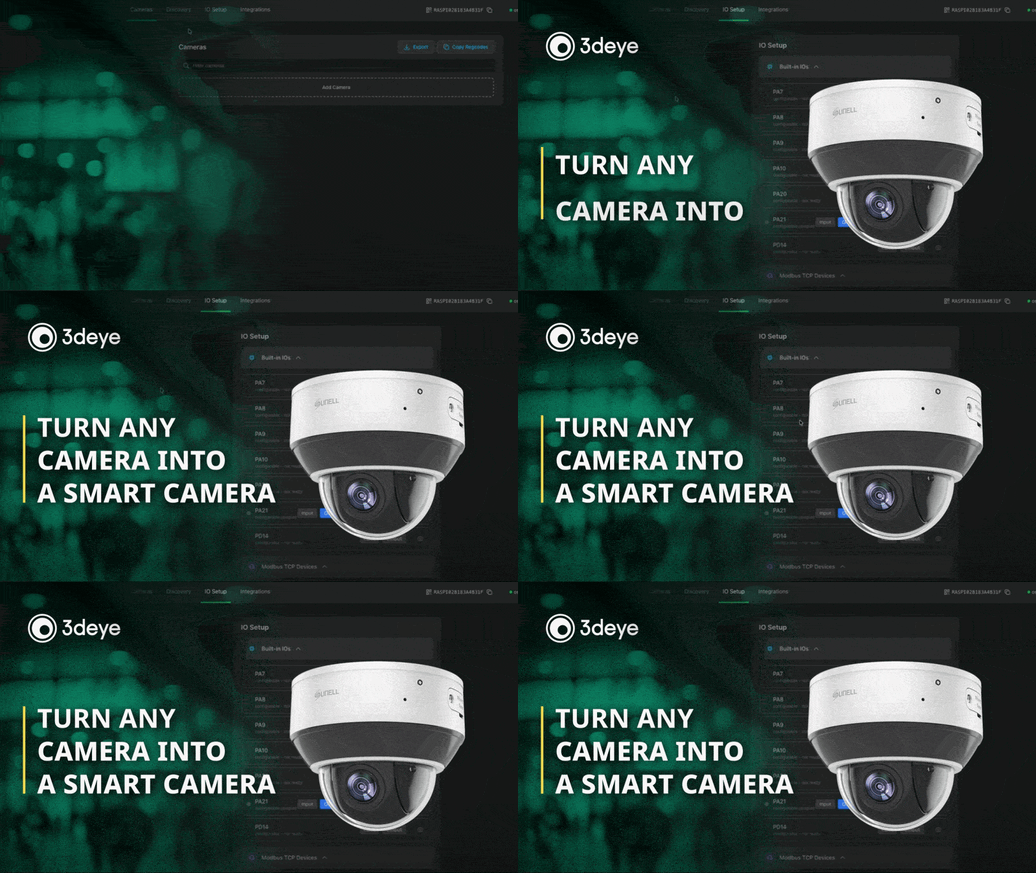
On Gateway V2, any RTSP camera can now be added through the web UI, even a basic model with no smart features.
Once added, the camera is immediately upgraded with local recording, an ONVIF wrapper, and on-device motion detection. A simple camera becomes a fully capable IP camera, all configured in one place.
Recorded footage can be browsed and exported straight from the gateway’s local interface, no VMS or extra tools needed. And if you have basic cameras already on site, this upgrades them without replacing any hardware.
In Case You Missed It: Smarter Remote Guarding
We teamed up with Milesight on July 14 for Beyond the Grid, a live session on how cloud AI and ultra-low-power surveillance devices are reshaping remote guarding.
Our own Joshua Roebuck and Milesight’s Roxy Wu broke down what it takes to manage thousands of IP camera deployments, reduce truck rolls, strengthen cybersecurity, and keep remote sites online.
They also walk through a real 800+ camera deployment and a live demo, from event trigger to finished incident report.
Building or scaling remote guarding? The recording covers what’s working now and where the industry is heading next.
Hear Us On Porta 443: Turning Images Into Decisions
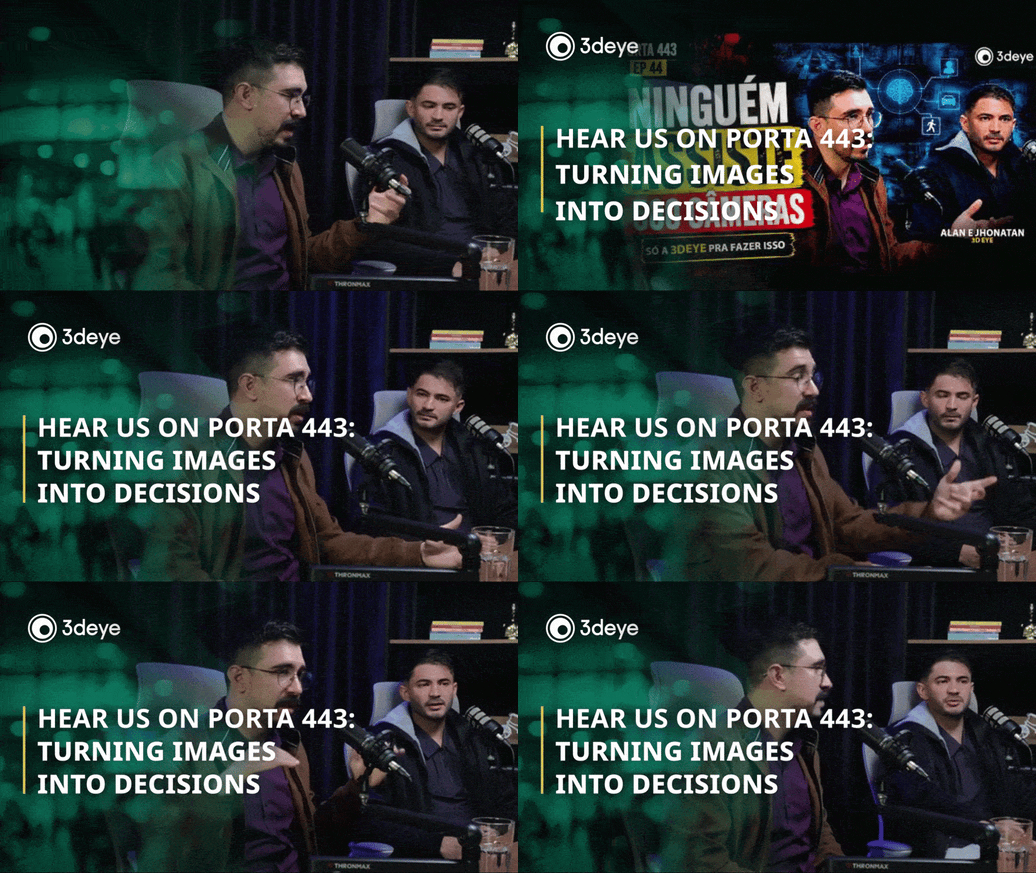
Our own Jhonatan Lang, joined by Alan Vitor of Dealershop, sat down for an episode of the famous Porta 443 podcast for a conversation about video intelligence, cloud computing, and AI applied to the electronic security industry. The episode is translated into English.
They talk through the limits of the traditional monitoring model, what intelligent monitoring changes for security centers, and why the camera of the future will do far more than record images. The core idea: the real differentiator isn’t having more cameras, it’s turning images into decisions.
Worth a listen for anyone running a monitoring operation, or curious where AI is taking video surveillance.
3dEYE Knowledge Base Has a New Home
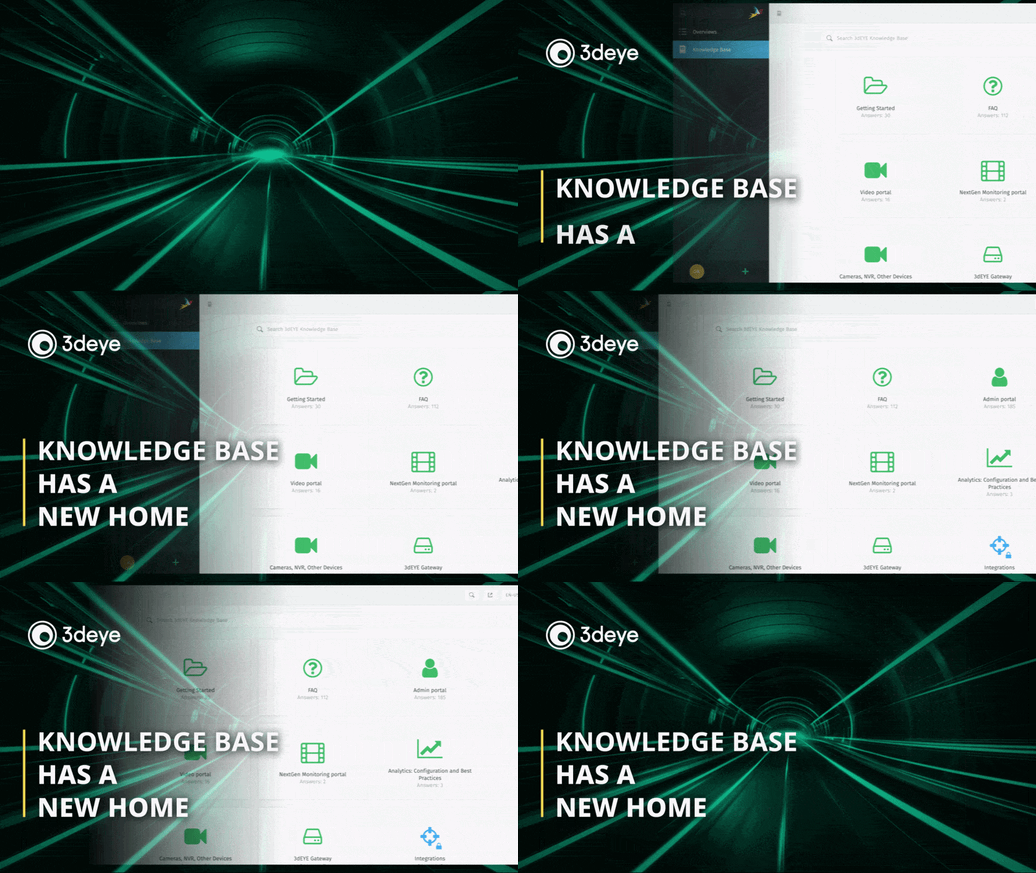
Our knowledge base has a new home. More than 400 articles and answers now live in one searchable place, organized around how you actually use the platform: getting started, the admin and video portals, cameras and devices, the gateway, analytics, and integrations.
You’ll find step-by-step setup guides, feature walkthroughs, and answers to the questions our team hears most, written in plain language and kept current as the platform evolves.
Whether you’re onboarding a new site or troubleshooting a single camera, type what you’re trying to do and the answer is a quick search away. Worth a bookmark for anyone on your team who touches the platform.
We’re Proud to Sponsor and Speak at TMA OPSTech 2026
We’re proud to sponsor and speak at TMA OPSTech 2026, The Monitoring Association’s operations and technology conference, August 31 to September 2 in Lewisville, Texas. It brings together monitoring center operations and technology leaders, exactly the people we build for. Our own Aleksei Bulavko will join the panel “Operationalizing Video Monitoring: Onboarding, Workflows & Customer Expectations.”
It’s three days focused on what’s working in monitoring right now, from operations to video technology. We’ll be there, so if you’re going, come find us. We’d love to hear what you’re working on.
Please Check Out the Latest 3dEYE Knowledge Base Updates:
- Tutorial: Setting up 3dEYE gateway using your own Raspberry Pi board
- Tutorial: NextGen Monitoring Portal
- Integrations: Get started with API methods, how to retrieve Events data
- Integration: Workflow description to create a push module for a device for cybersecure and simple camera-to-cloud connection
Have questions? Either respond to this email or contact us at info@3deye.ai